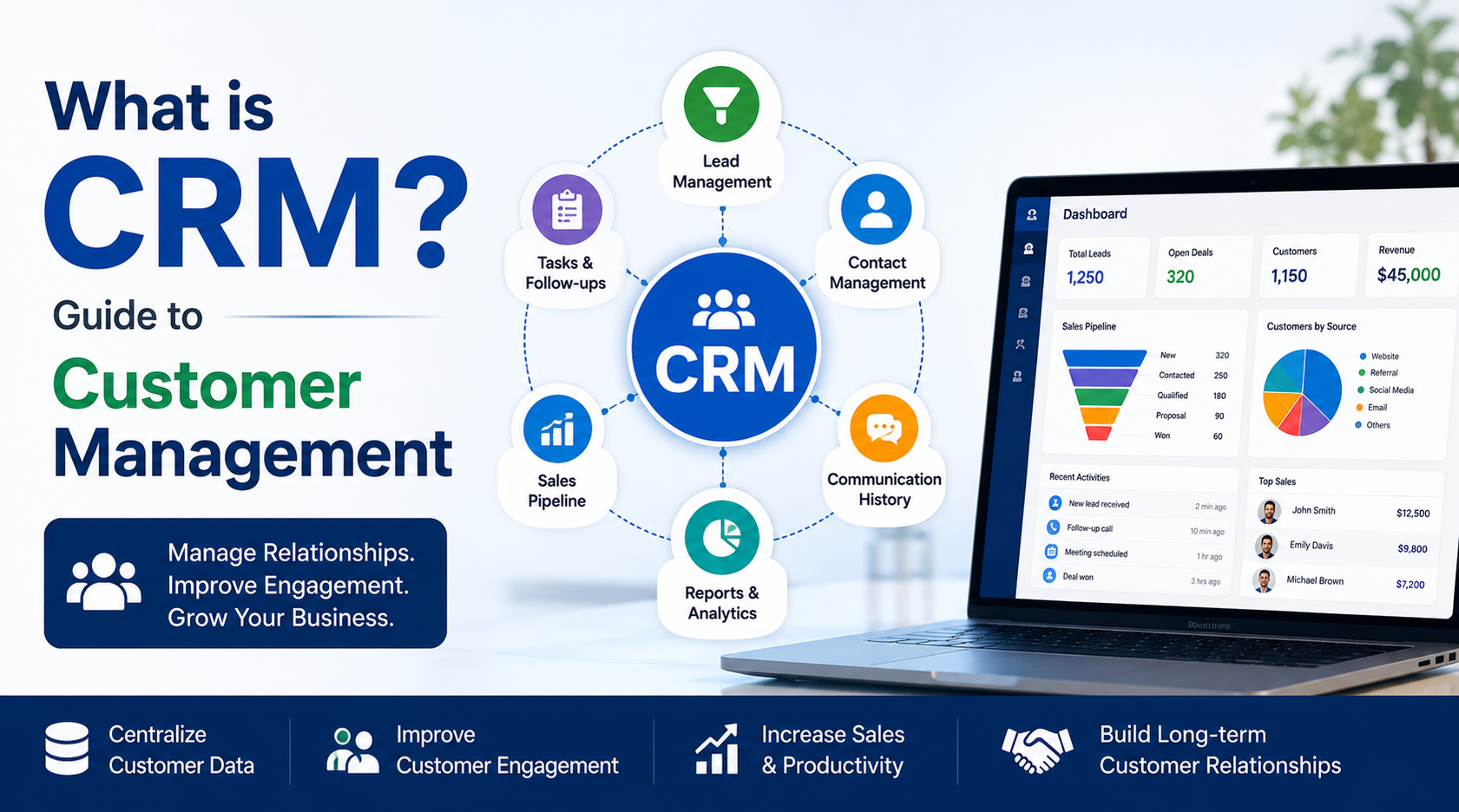
What Is CRM? A Guide to Custom
What Is CRM? A Guide to Customer Management
Customer relationships are one of the most important factors behind business growth. As businesses manage increasing numbers of customers, leads, sales opportunities, and communications, keeping everything organized can become challenging. This is where CRM (Customer Relationship Management) software helps.
CRM provides businesses with a centralized system to manage customer information, track interactions, improve sales processes, and build stronger customer relationships.
What Is CRM?
CRM stands for Customer Relationship Management. It refers to the strategies, processes, and software businesses use to manage relationships and interactions with current and potential customers.
A CRM system stores important customer information such as contact details, communication history, sales activities, inquiries, preferences, and purchase records. This allows sales, marketing, and customer support teams to access relevant information from a single platform.
How Does CRM Software Work?
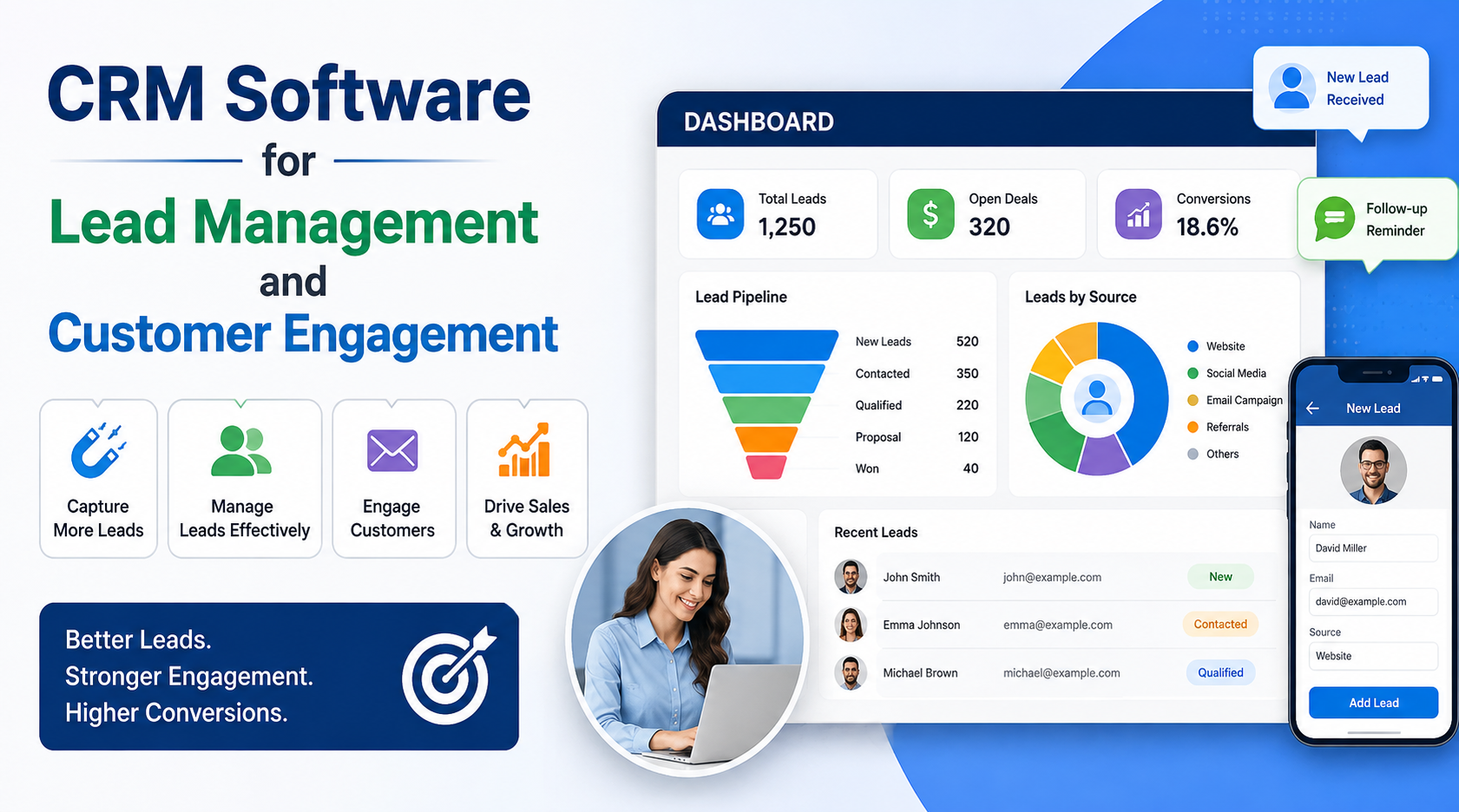
CRM software collects customer and lead information from different sources and organizes it in a centralized database. Teams can then use this information to manage the customer journey.
A typical CRM workflow includes:
- Lead Capture – Collect leads from websites, forms, social media, campaigns, and other sources.
- Contact Management – Store and organize customer information in one place.
- Lead Qualification – Identify high-value prospects based on their requirements and activities.
- Sales Pipeline Management – Track opportunities through different stages of the sales process.
- Customer Communication – Manage calls, emails, meetings, and other interactions.
- Follow-Up Management – Schedule reminders and automated follow-ups.
- Reporting & Analytics – Analyze sales performance, customer behavior, and conversion rates.
Key Features of CRM Software
Modern CRM solutions provide a wide range of features designed to improve customer management and business efficiency.
Lead Management
CRM helps businesses capture, organize, assign, and track leads throughout the sales funnel.
Contact Management
Businesses can maintain detailed customer profiles containing contact information, interactions, requirements, and transaction history.
Sales Pipeline Management
Sales teams can monitor opportunities and understand which deals are new, in progress, qualified, or ready to close.
Task and Follow-Up Automation
Automated reminders and workflows help teams complete follow-ups on time and reduce missed opportunities.
Customer Communication
CRM platforms can integrate emails, calls, messages, and other communication channels to maintain a complete interaction history.
Reports and Analytics
CRM dashboards provide insights into sales performance, lead sources, conversion rates, customer activity, and team productivity.
Benefits of CRM for Businesses
Implementing CRM software can provide several advantages:
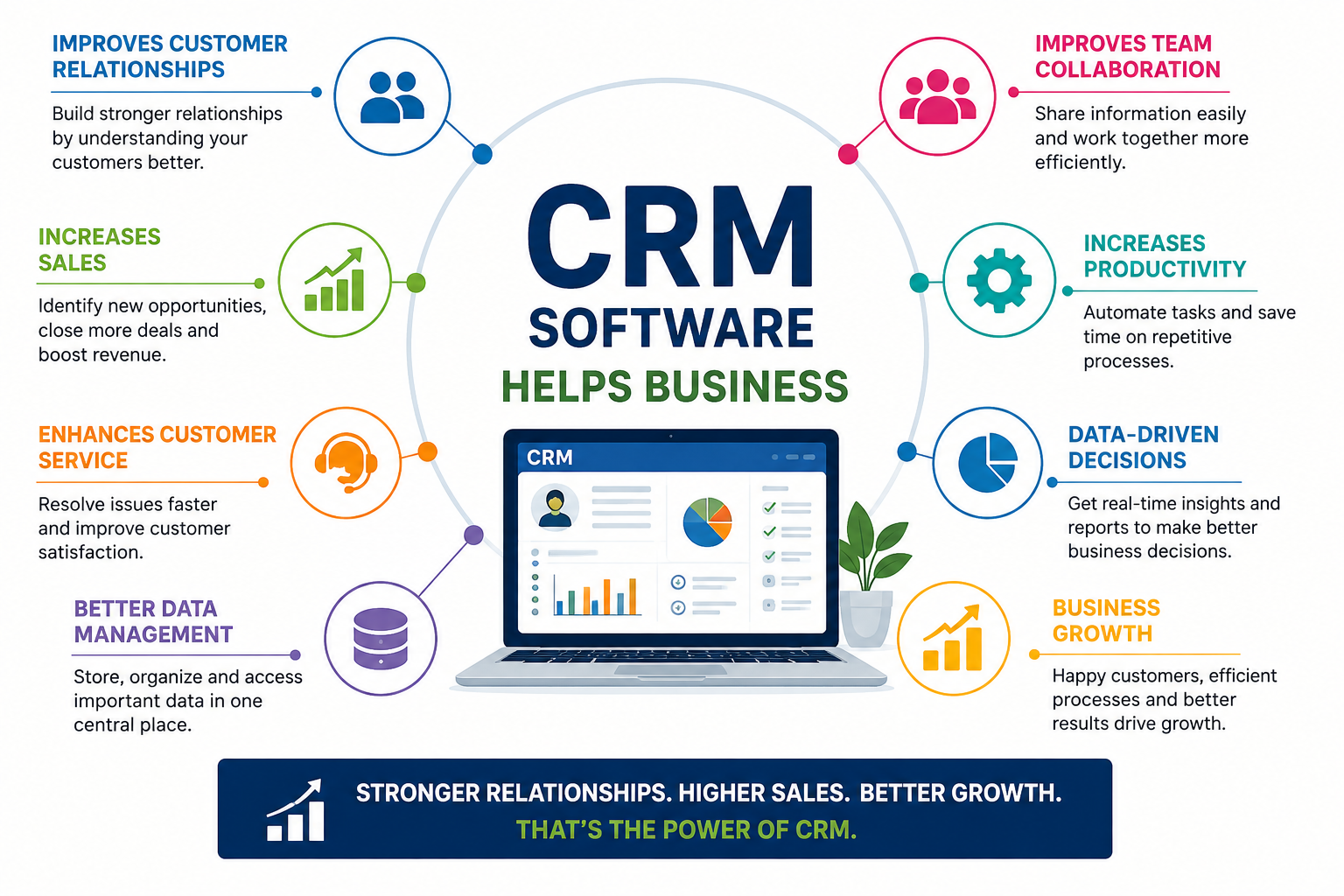
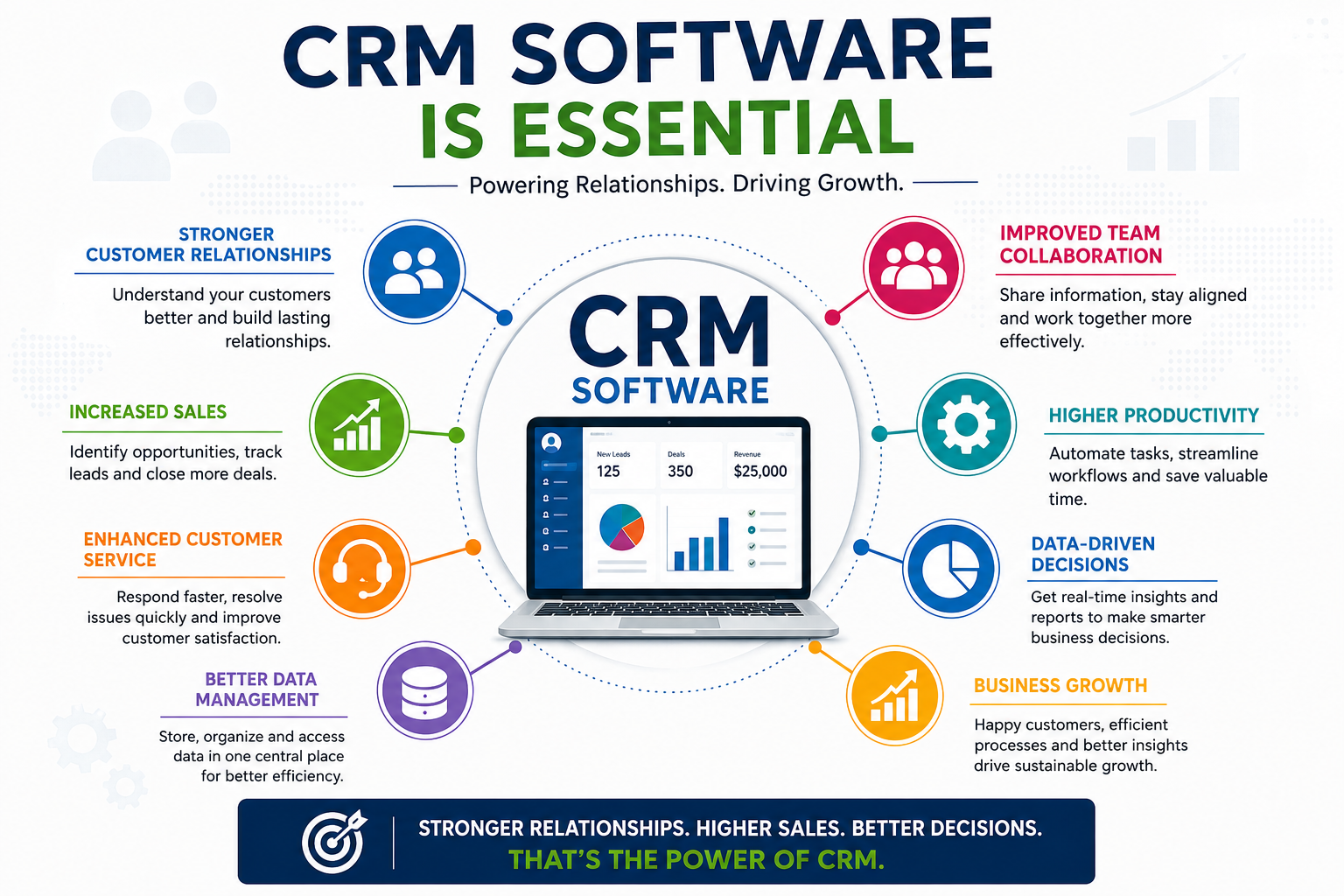
- Better customer management through centralized customer information.
- Improved sales productivity by automating repetitive tasks.
- Higher conversion rates through effective lead tracking and follow-ups.
- Personalized customer experiences using customer data and interaction history.
- Better team collaboration by giving employees access to shared information.
- Improved customer retention through consistent communication and support.
- Data-driven decision-making with real-time reports and analytics.
Why CRM Is Important for Customer Management
Without a centralized system, customer information can become scattered across spreadsheets, emails, messaging applications, and individual employee records. This can make it difficult to understand the complete customer journey.
CRM software creates a single source of customer information. Sales representatives can see previous interactions, marketing teams can understand campaign responses, and customer support teams can access relevant customer history.
This connected approach helps businesses deliver faster, more consistent, and personalized customer experiences.
CRM for Different Types of Businesses
CRM software can be useful across many industries, including travel, hospitality, real estate, healthcare, education, e-commerce, finance, and professional services.
For example, a travel CRM can help travel companies manage inquiries, customer preferences, bookings, follow-ups, and sales activities. Similarly, a real estate CRM can help agents manage property leads, customer requirements, site visits, and sales opportunities.
How to Choose the Right CRM Software
When selecting a CRM solution, businesses should consider their specific requirements, business size, workflow, and future growth.
Important factors include:
- Ease of use
- Lead and contact management
- Sales pipeline features
- Automation capabilities
- Third-party integrations
- Reporting and analytics
- Mobile accessibility
- Data security
- Customization options
- Scalability
- Customer support
A CRM should not only solve current customer management challenges but also support future business growth.
Conclusion
CRM is more than just software for storing customer information. It is a complete approach to managing customer relationships, improving sales processes, automating business activities, and delivering better customer experiences.
With the right CRM software, businesses can organize leads and customer data, improve team productivity, strengthen customer engagement, and make informed business decisions. As customer expectations continue to grow, CRM technology has become an essential tool for businesses looking to build long-term relationships and achieve sustainable growth.
Key Takeaways
- INDEX, FOLLOW
- What Is CRM? A Complete Guide to Customer Management
- CRM, CRM software, customer relationship management, custome
- Learn what CRM is and how CRM software helps businesses manage customers, track leads, improve sales, automate tasks, and build stronger customer rela
Want to see this workflow in Desk CRM?
Book a short walkthrough with our team.